
These are practical tech purchases that improve productivity, reliability, and day-to-day performance.
Smart tech buying means:
- Balanced performance
- Long-term durability
- Practical everyday benefit
- Good value-to-price ratio
Here’s what actually moves the needle.
These are practical tech purchases that improve productivity, reliability, and day-to-day performance.
1️⃣ Mini PC (Compact Productivity Powerhouse)
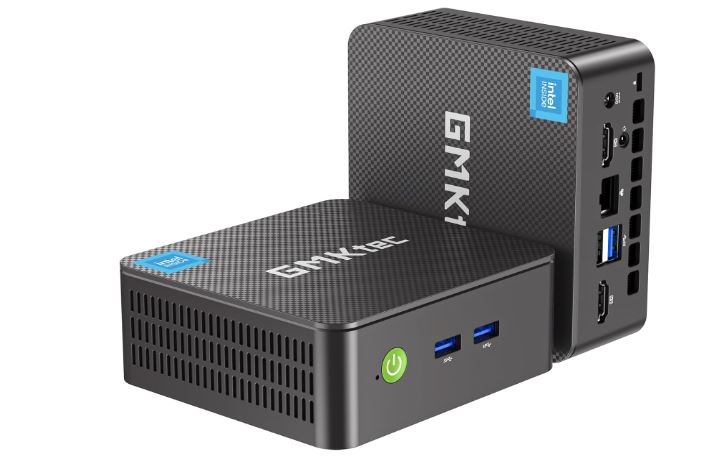
GMKtec Mini PC – 16GB RAM / 512GB SSD Recommended
If you want serious performance without a bulky desktop tower, a mini PC is one of the smartest tech upgrades you can make.
Small enough to fit in your hand.
Powerful enough to run your workflow.
Why I recommend the 16GB / 512GB model:
- Smooth multitasking with 16GB RAM
- 512GB SSD for real storage breathing room
- Compact and energy efficient
- Perfect for home office, coding, browsing, light editing
- Easy to upgrade in many models
You don’t always need a $1,500 laptop.
2️⃣ Portable Foldable Solar Panel Charger (20W–30W)
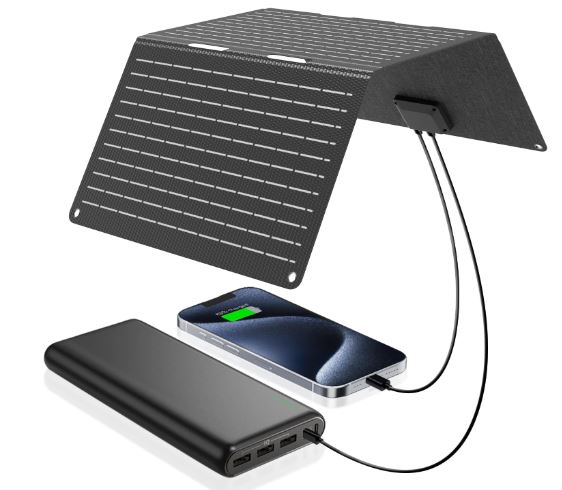
If you’re into tech and preparedness, this is one of the coolest practical upgrades you can own.
A foldable solar charger lets you generate power anywhere — no outlet required.
- Charging phones outdoors
- Power banks
- Emergency backup
- Travel
- Camping
- Remote work setups
🌐3️⃣ Compact Wi-Fi 6 Travel Router
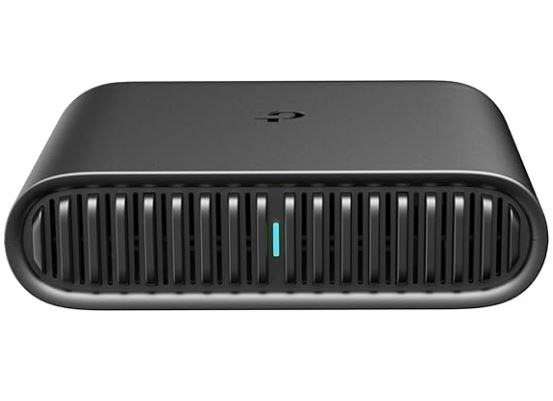
This is a sleeper hit in tech circles.
It lets you:
- Secure hotel Wi-Fi
- Create your own private network
- Connect multiple devices safely
- Use VPN at router level
Why it’s cool:
It feels hacker-level without being complicated.
Best for:
Digital nomads, remote workers, tech tinkerers.
4️⃣ USB Digital Microscope (Plug-and-Play Inspection Tool)
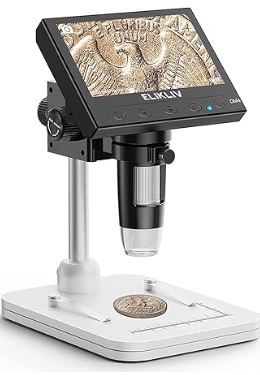
If you like understanding how things work — not just using them — a USB digital microscope is one of the most underrated tech gadgets you can own.
Perfect for:
- Inspecting circuit boards
- Checking solder joints
- Diagnosing small electronic issues
- Looking at connectors and ports
- Exploring tiny mechanical parts
- Even examining wood grain or coins
Why it’s worth adding to your setup:
- High magnification (usually 50x–1000x depending on model)
- Built-in LED lighting for clear visibility
- Simple USB connection (no complex setup)
- Works with Windows and most laptops
- Extremely affordable for what it offers
If you’re building a serious tech workspace, this adds a whole new layer of capability.
5️⃣ Portable Power Bank (20,000mAh)
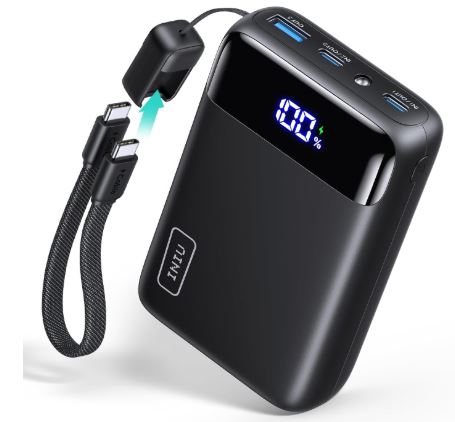
If you travel or work remotely, power matters.
Why it matters:
- Charges phone multiple times
- Emergency laptop backup (USB-C models)
- Reliable for travel days
Low cost. High convenience.
6️⃣ Portable USB-C Monitor (Compact Secondary Display)
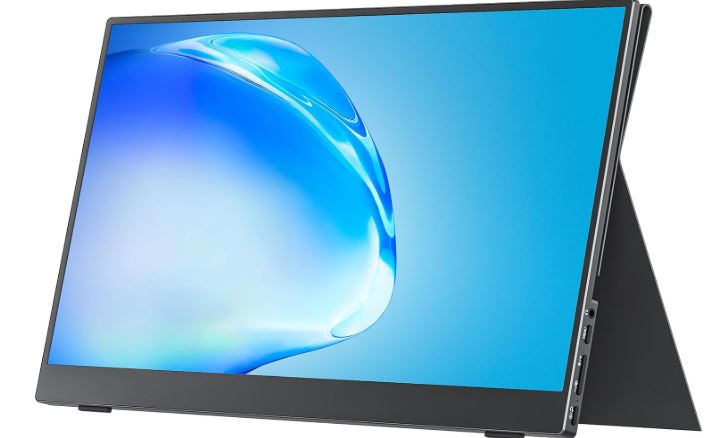
If you’re running a mini PC or just want a clean, modular setup, a portable monitor instantly upgrades your workspace without adding bulk.
It’s lightweight, plug-and-play, and surprisingly powerful for its size.
Why it’s worth adding:
- Slim and travel-friendly design
- Full HD 1080p IPS display
- USB-C and HDMI connectivity
- Perfect second screen for productivity
- Works with mini PCs, laptops, and even some phones
This is how you build a compact workstation that fits anywhere — desk, dorm, or travel setup.
7️⃣ Raspberry Pi 5 Starter Kit Pro (8GB RAM, 128GB Edition)
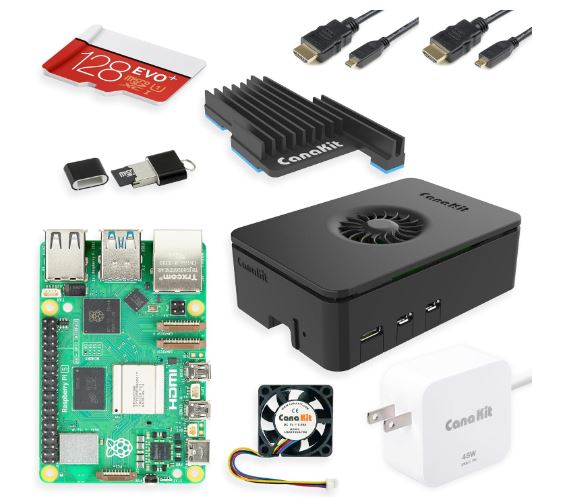
If you want to move beyond consuming tech and start building with it, a Raspberry Pi 5 starter kit is one of the smartest investments you can make.
This isn’t a toy — it’s a full micro-computer platform used for robotics, automation, home servers, AI experiments, and programming projects.
You can use it to build:
- Robot projects
- Home automation systems
- Media servers
- AI learning environments
- DIY tech experiments
This is where curiosity turns into real technical skill.
Final Thoughts
Tech shouldn’t just entertain you.
It should expand what you’re capable of.
The tools on this page aren’t flashy trend gadgets. They’re practical upgrades that make your setup more powerful, more flexible, and more future-ready.
Whether you’re:
- Building a compact workstation
- Exploring robotics
- Experimenting with AI
- Creating a home lab
- Or just optimizing your daily workflow
Start small. Upgrade intentionally. Build over time.
That’s how real tech capability compounds.
If you decide to grab any of these tools, I appreciate you using the links above — it helps support FinkleTech at no extra cost to you and allows me to keep testing and recommending smart gear.
Now go build something.
Learn How to Build a Machine Learning Portfolio That Gets You Hired